


Aemster app
Aemster App
Your scent, exactly as you want it
The Aemster App connects via Bluetooth to your diffuser, placing intensity and timing entirely in your hands. Set up to five work periods, choose the strength for each moment, and let your space smell just right, automatically.
Free · For iOS and Android · Works with Haevn Charge, Haevn, Wally, Bold, Echo, Lobby, Master Duo and Master Single

What the app does
A few settings, endless atmospheres
With the app, you only need to set your preferred schedule and intensity once. After setup, the diffuser will automatically follow the programmed settings, even when your smartphone or other smart device is not nearby.


01
Work periods
Arrange up to five periods a week when your diffuser wakes and rests on its own, a rhythm for every day. This holds true across the full range.
02
Intensity
Choose the intensity that suits the moment, from the faintest trace to something more pronounced, or set your own custom rhythm. The exact scale differs slightly from one diffuser to the next.
03
By room
Multiple diffusers around your space each follow their own schedule, all from the same screen.
04
Security
Every diffuser begins with the password 8888. Change it in the app, under About.
Compatible
These diffusers work with the app
The full Aemster range works with the app, from a countertop diffuser for a single room to systems built for hotels, offices and larger retail spaces. All diffuse scent through cold air nebulizing, waterless and efficient, and all listen to the same app. The one exception is the Haevn Move, designed to be controlled entirely by hand.
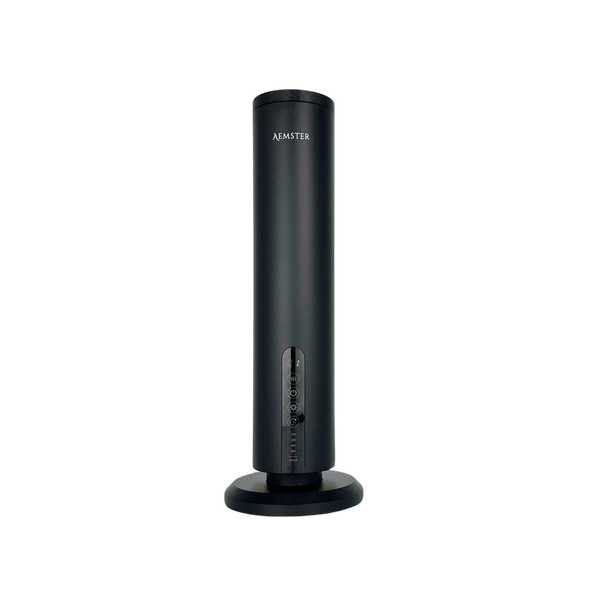
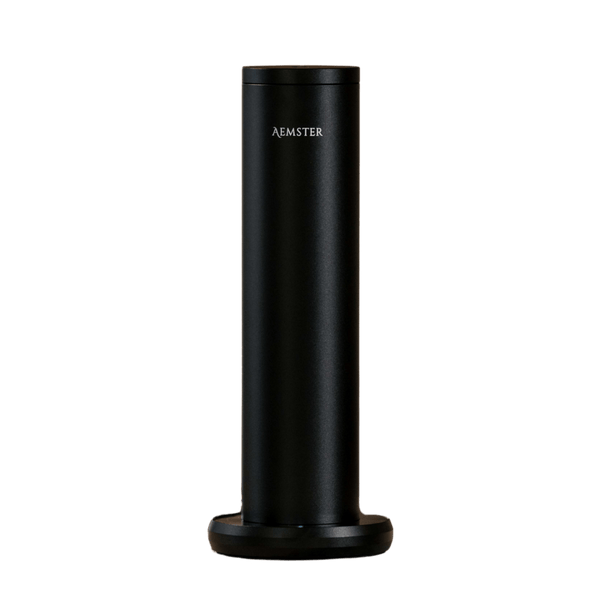
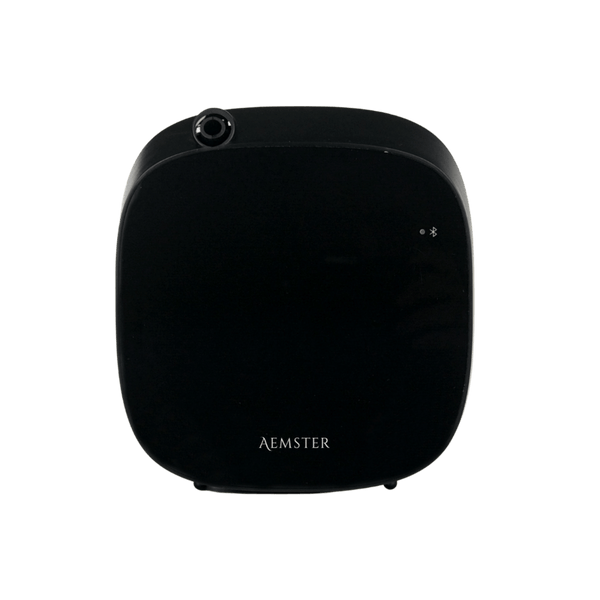


The Haevn Move stands apart: it is controlled entirely on the device and does not connect to the app.
Watch
Setting up the app
This short film follows the app from first open to first schedule saved: switching on Bluetooth, connecting to your diffuser, logging in with the default password, and setting a first work period. The screens shown are from the Haevn Charge; your own app will look slightly different depending on which diffuser you own, though the steps stay the same. Two minutes, and you will know how to connect and save your first schedule.
Step by step
Connecting in four steps
From download to logged in, in about two minutes.
Download the app
Search for Aemster in the App Store or Google Play Store, or scan the QR code in your diffuser's manual.
Get everything ready
- Bluetooth is switched on on your phone or tablet.
- The diffuser is switched on.
- You are within ten metres of the diffuser.
Log in
Open the app, select your diffuser and enter the password 8888. Tick remember me and press Login, and the app will connect automatically from then on.
Make it your own
Give your diffuser a name and change the password via About, then Change password.
Forgotten your password? Hold the power button on the diffuser for five seconds to reset, or take a look in the manual for how to reset your diffuser. The diffuser resets to factory settings and the password returns to 8888.
Schedules
Setting up five work periods
A work period determines when the diffuser switches on, for how long it runs and how strong it is.
- Open the app and tap the top work period.
- Activate the days of the week you want. Light grey is off, dark grey is on.
- Set the start time and the end time.
- Choose the level to raise or lower the intensity, or tap custom for your own work time and pause time.
- Press Save.
- Tap the plus sign and repeat for up to five work periods.
Remember this. Always press Save after making a change, otherwise the app will not keep it.
If the scent feels too present. Widen the pause between work periods rather than lowering the intensity. A period from 09:00 to 09:30 on level 1, followed by a pause until 11:00, gives a space just enough scent to notice, and enough quiet to appreciate it.
An example
How the Haevn Charge measures its levels
Every diffuser in the range measures its levels a little differently, its own balance of work time and pause time. As an example, here is how those levels play out on the Haevn Charge.
| Level | Work time | Pause time | Usage per hour | Battery life |
|---|---|---|---|---|
| 1 | 5 sec | 240 sec | 0.05 ml | 200 hours |
| 2 | 15 sec | 200 sec | 0.17 ml | 80 hours |
| 3 | 20 sec | 160 sec | 0.27 ml | 50 hours |
| 4 | 25 sec | 100 sec | 0.49 ml | 29 hours |
| 5 | 25 sec | 60 sec | 0.72 ml | 20 hours |
| Custom | 5 to 35 sec | 60 to 300 sec | Depends on setting | Depends on setting |
Source: Haevn Charge manual. As a rule of thumb, level 2 or 3 suits a smaller room, level 4 or 5 a larger or busier space.
Frequently asked questions
Good to know
What is the default password for the Aemster App?
The default password is 8888. Tick remember me when logging in, and you will only need to enter it once. In the app, change the password via About, then Change password.
The app cannot find my diffuser. What should I do?
Check three things: is Bluetooth switched on on your phone or tablet, is the diffuser switched on, and are you within ten metres of the device. If it still does not work, close the app completely and reopen it.
How many schedules can I set up?
You can set up to five automatic work periods, each with its own days of the week, times and intensity. Press Save after every change.
I have lost my password. Can I reset it?
Yes. Hold the power button on the diffuser for five seconds or where you cant find a power button, check the manual for how to reset your device. The device resets to factory settings and the password returns to 8888.
Does the app work with multiple diffusers at once?
Yes. Each diffuser gets its own name in the app and its own schedule, so every room has its own rhythm and its own intensity.
Do I need the app to use the diffuser?
No, once set by app, the diffuser will run by itself. Some diffusers also have manual control where you can manually overide the app settings.
Smell first, choose after
Discover which scent suits your space with the sample sachets, or browse the diffusers you control with the app.